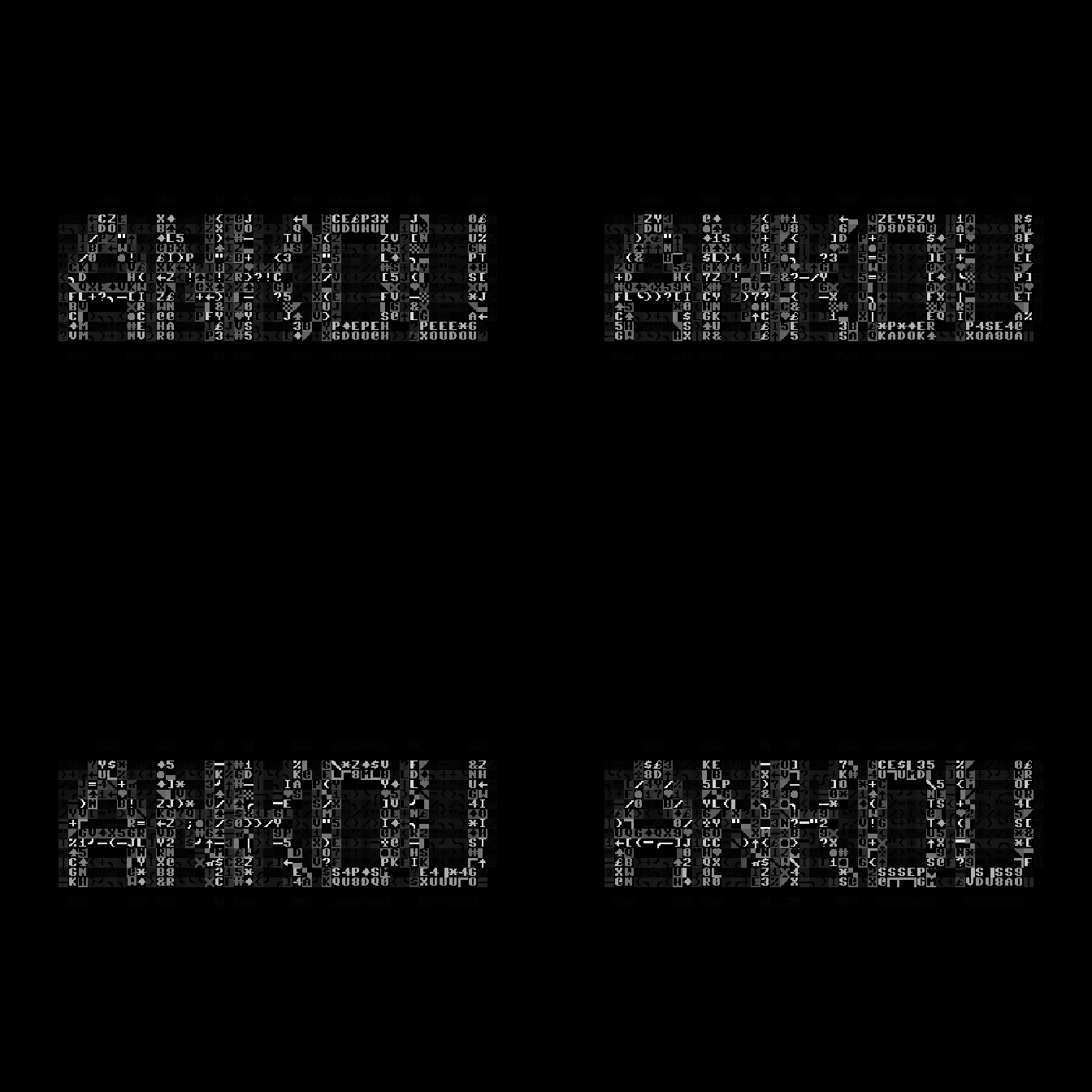
GIF frame previews
FRAME 01 / 10%
FRAME 02 / 35%
FRAME 03 / 65%
FRAME 04 / 90%
Workflow
1. Upload an image. 2. Adjust the grid and tonal processing. 3. Choose a palette. 4. Export a PNG or animated GIF.
The GIF contains four frames and loops infinitely. ANKOU is composed of PETSCII glyphs in the exported images.